Temp Email vs Email Alias: What's the Actual Difference?
Someone in a privacy forum recently asked a question I've seen dozens of times: "Should I use a temp email or an email alias?"
Half the replies said temp email. Half said alias. A few people confidently said "they're the same thing." None of them were completely right.
Temp email and email aliases are both privacy tools. Both involve using an address that isn't your real one. But they solve fundamentally different problems — and using the wrong tool in the wrong situation is how people end up locked out of accounts or drowning in spam anyway.
I've used both extensively. Here's the honest breakdown.
The Core Difference in One Sentence
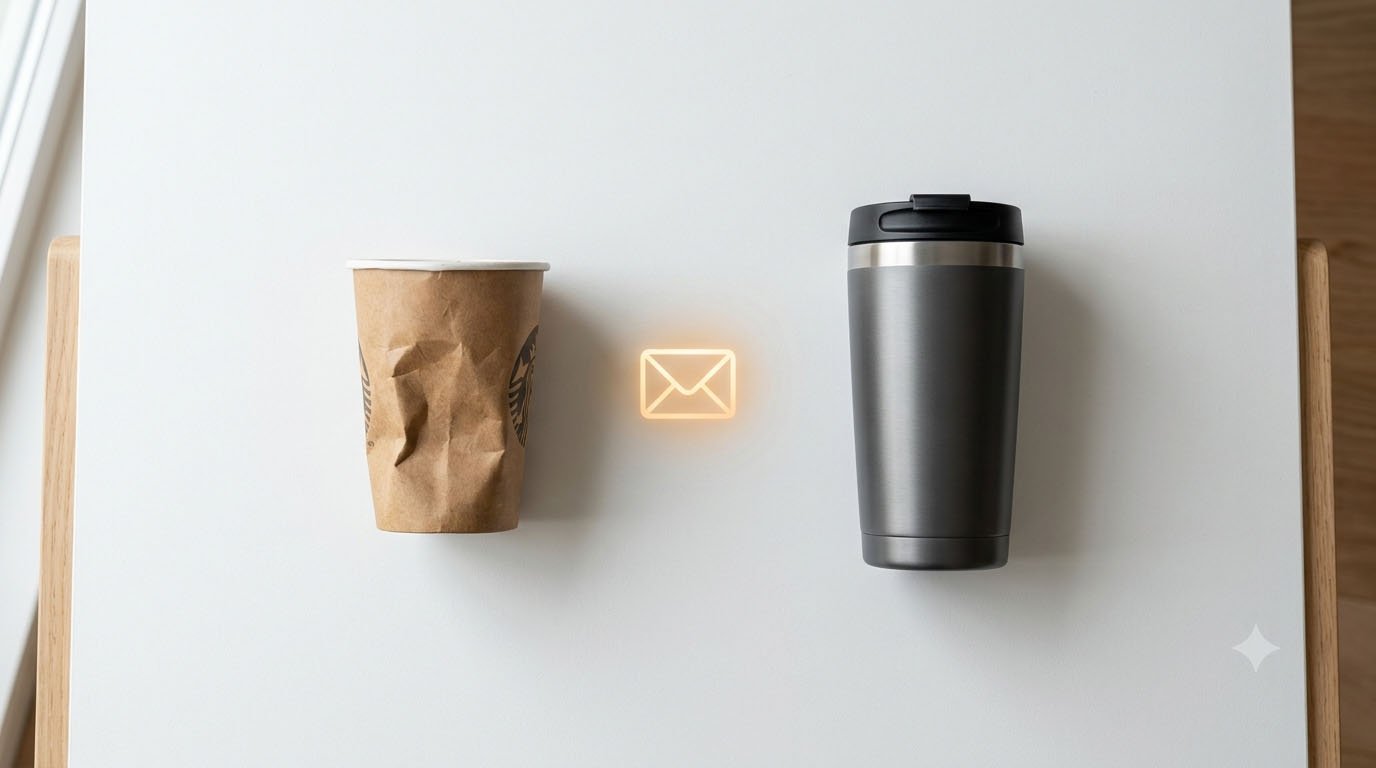
A temp email is a disposable inbox that expires. An email alias is a permanent forwarding address that routes emails to your real inbox without revealing it.
That single distinction — expires vs. permanent — determines everything about when each tool is the right choice.
What Is a Temp Email?
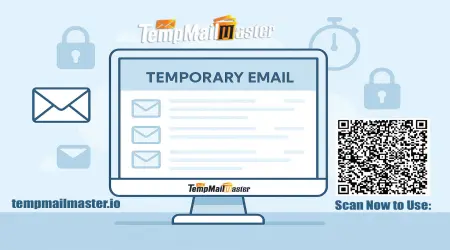
A temporary email address is an instant, no-signup inbox you use in place of your real address. Services like TempMailMaster.io generate one immediately — no account, no configuration, no personal information.
You copy the address, paste it into a form, receive whatever you needed (a verification link, a download, a coupon code), and move on. The inbox expires on its own. Nothing forwards anywhere. The address simply stops existing.
The key properties of temp email:
- Receive-only (no sending)
- Short-lived (minutes to hours)
- Completely disconnected from your real inbox
- Requires zero setup
- Free
Best for: One-time interactions where you need a functioning email address but have no intention of a long-term relationship with the sender.
What Is an Email Alias?
An email alias is a forwarding address you create intentionally. Services like SimpleLogin, Apple's Hide My Email, Proton's aliasing feature, addy.io, and Firefox Relay let you create unique addresses that forward all incoming emails to your real inbox — while keeping your actual address hidden from the sender.
For example: you sign up for an online store with shopping-amazon@alias-service.com. Every order confirmation, shipping update, and promotional email goes to that alias. Your real email — yourname@gmail.com — never appears anywhere. If the store starts sending spam, you disable that specific alias. Problem solved, with zero impact on any other account.
The key properties of email alias:
- Permanent (lasts until you delete it)
- Forwards emails to your real inbox
- You can reply from the alias (with most services)
- Requires account setup
- Free tier available on most services, premium tiers from $1–$4/month
Best for: Long-term accounts where you want ongoing email delivery but don't want to expose your real address.
Side-by-Side Comparison
| Feature | Temp Email | Email Alias |
|---|---|---|
| Lifespan | Minutes to hours | Permanent (until deleted) |
| Forwards to real inbox | ❌ No | ✅ Yes |
| Can send from address | ❌ No | ✅ Yes (most services) |
| Account recovery | ❌ Not reliable | ✅ Yes |
| Setup required | ❌ None | ✅ Account creation |
| Cost | Free | Free tier / $1–4/month |
| Works for long-term accounts | ❌ No | ✅ Yes |
| Inbox cleanup if spammed | ✅ Just expires | ✅ Disable the alias |
| Platform blocklist risk | Medium | Low (looks like normal email) |
| Privacy from sender | ✅ Complete | ✅ Complete |
| Apple-only limitation | ❌ No | ⚠️ Apple Hide My Email: yes |
The Tools People Are Actually Using in 2026
Understanding the landscape helps you make a better choice.
Temp Email Services
Services like TempMailMaster.io generate instant disposable inboxes with no signup. You get an address, use it, and leave. These are completely free and require nothing from you.
Email Alias Services
SimpleLogin (by Proton) — The most widely recommended open-source alias service. Based in Switzerland, backed by Proton (the privacy-focused company behind ProtonMail). Free tier allows up to 15 aliases. Premium ($4/month) includes unlimited aliases and Proton Pass Plus. Works on all devices and browsers.
Apple Hide My Email — Built into iOS, macOS, and Safari for iCloud+ subscribers. Generates random forwarding addresses on the fly. Convenient for Apple users but requires an iCloud+ subscription (~$0.99/month minimum) and doesn't work on non-Apple devices.
addy.io — Formerly known as AnonAddy. Free tier allows unlimited aliases on a subdomain. More technical but highly configurable. Open source.
Firefox Relay — Mozilla's alias service. Free for up to 5 aliases. Premium unlocks unlimited aliases and phone number masking (US and Canada only).
Proton Pass — Proton's password manager now includes email aliasing built in. If you're already a Proton user, this may be your most convenient alias option.
When to Use Temp Email
Temp email is the right choice when:
You need something right now, with zero setup. You're downloading a PDF, claiming a discount code, or accessing a webinar. You need the verification link in the next 60 seconds. TempMailMaster.io gives you a working inbox instantly — no account, no waiting.
You have no intention of returning. The interaction is genuinely one-time. You're not building a relationship with the sender, you don't need future emails, and you don't care about account recovery.
You don't trust the site. If a website looks sketchy, or you're not sure whether it's a data collection operation dressed up as a useful service, a disposable inbox is your safest choice. Even if your temp email ends up in a breach database, your real inbox is untouched.
You're testing something. Developers, QA engineers, and product teams use temp email constantly for testing sign-up flows, transactional emails, and integration behavior. The disposable nature is a feature, not a limitation — each test run starts with a clean inbox. For more on this: Disposable Email for Developers: API Use Cases and Best Practices
When to Use an Email Alias
An alias is the right choice when:
You'll need to receive future emails from this sender. Online stores, subscription services, community platforms, software licenses — anything that sends order confirmations, account notifications, or access credentials. If you used a temp email for these, the inbox would expire before the next email arrives.
You want to be able to identify which service leaked your data. This is one of the most powerful things about aliases. You create a unique address for every service — amazon@alias.com, netflix@alias.com, forum@alias.com. If you start receiving spam at one of those addresses, you know exactly which company's database was compromised. This is called "alias poisoning" and it's genuinely useful.
You want long-term account access. If you ever need to reset a password, update a subscription, or recover an account, you need an inbox that still exists. An alias persists indefinitely until you choose to delete it.
You're on Apple devices and already paying for iCloud+. Hide My Email is built directly into Safari and iOS forms — it appears as a suggestion whenever you tap an email field. The integration is seamless if you're already in the Apple ecosystem.
The "Tiered Privacy" Strategy
Privacy-conscious users often combine both tools in a layered system. Here's how it works in practice:
Tier 1 — Your Real Email: Reserved for banking, healthcare, government services, work, and people you trust personally. This address never appears in sign-up forms.
Tier 2 — Email Aliases: Used for every recurring account — online shopping, social platforms, newsletters, software subscriptions, community forums. Each gets a unique alias. If any of them start receiving spam, disable that alias without affecting anything else.
Tier 3 — Temp Email: Used for everything one-time and low-trust — free resource downloads, webinar registrations, coupon codes, unknown websites, testing, and any situation where you genuinely don't intend to return.
This three-layer approach means your real email address is essentially invisible online. It also means you never have to wonder "which service leaked my data" — the unique aliases tell you immediately.
A Real Experience: Six Months with Both Tools
I've been using this tiered approach for about six months. Here's what actually happened:
Alias wins: I discovered that a travel booking site I'd used years ago had been sharing my alias with "promotional partners." I knew immediately because I started receiving unrelated marketing emails at the alias I'd created specifically for that site. I disabled the alias in 30 seconds. The spam stopped. My real inbox never received a single message from them.
Temp email wins: I needed to access a research report from a consultancy I'd never heard of. Their registration form required name, company, email, and job title. I used a disposable inbox from TempMailMaster.io, downloaded the report immediately, and closed the tab. Zero follow-up emails. Zero marketing sequences. The entire interaction took about 90 seconds.
The one mistake: Early in the experiment, I used a temp email to sign up for a software tool I thought I'd only use once. I ended up liking it and wanting to keep using it — but the temp inbox had expired. I couldn't receive the password reset email. I had to create an entirely new account. Lesson learned: when in doubt, use an alias.
The Gmail Plus Trick — Why It Doesn't Really Work
Before temp email and aliases became mainstream, many people used Gmail's plus-addressing trick: yourname+amazon@gmail.com. This routes emails to your main inbox while ostensibly identifying the sender.
The problem: it's completely transparent. Anyone can strip the +amazon part and immediately see your real address. Data brokers and advertisers figured this out years ago. It provides essentially no real privacy protection.
Proper aliases don't have this problem — the alias address contains no traceable reference to your real email.
FAQ
Can I use a temp email for a long-term account? You can create the account — but if you ever need to recover it (forgotten password, re-verification), the temp inbox may have expired. For any account you intend to keep, use an alias or your real email.
Is Apple Hide My Email worth paying for? If you're already paying for iCloud+ (which starts at $0.99/month and includes useful features beyond just email), the Hide My Email feature is a nice bonus. If you're not an Apple user or don't want to pay a subscription just for aliasing, SimpleLogin's free tier (15 aliases) or addy.io are better options.
Do email aliases get blocked by platforms like Discord? Aliases generally have lower blocklist risk than temp email because they use standard-looking email domains (like @simplelogin.io or custom domains). However, some platforms do block known alias service domains. If that happens, using a custom domain with your alias service solves it entirely.
Can I reply to emails from a temp inbox? No — temp email inboxes are receive-only by design. If you need to reply from a private address, use an alias service like SimpleLogin or addy.io, which support sending and replying.
Which is better for privacy? Both provide complete email privacy from senders. Temp email is slightly more private in the sense that there's no account tied to your alias — no service holds a record of which addresses you've used. Aliases require an account with the alias service, which does see the forwarded emails.
What's the easiest alias service to start with? SimpleLogin's free tier (15 aliases, no credit card required) is the most recommended starting point. The browser extension makes alias creation one-click from any email field.
References
- SimpleLogin — How email aliasing works https://simplelogin.io/faq/
- Apple — Hide My Email documentation https://support.apple.com/en-us/HT210425
- Proton — Privacy tools overview https://proton.me/blog/email-privacy
- addy.io — Alias service documentation https://addy.io/help/
- Firefox Relay — Mozilla privacy tool https://relay.firefox.com/
- GDPR.eu — Data minimization principle https://gdpr.eu/article-5-how-to-process-personal-data/
- EFF — Email privacy guide https://ssd.eff.org/module/protecting-yourself-phishing
- Have I Been Pwned — Data breach checker https://haveibeenpwned.com/
- Pew Research — Online privacy attitudes https://www.pewresearch.org/internet/
- ENISA — Personal data protection best practices https://www.enisa.europa.eu/topics/privacy
Published: June 2026 | Author: Arslan | Category: Privacy Tools & Email Security